Elastic Search DB Password
This option lets you change the Elastic Search DB password.
| ➢ | To change the Elastic Search DB Password: |
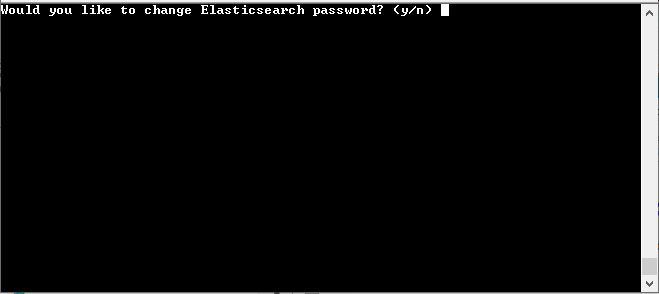
| 1. | From the Security menu, choose Elastic Search DB password, and then press Enter; the OVOC server is rebooted. |
| 2. | Press Enter until the New Password prompt is displayed. |
Elastic Search DB Password
| 3. | Enter the new password and confirm. |